Document Types and Issuable Items
Both screens are opened from People > Admin Settings.
Document Types
Open Document Types, search by name, and use the filter control to narrow the list. Select Add to create a type.
Configure Name, Short Name, optional Caption, Max Files, and Max File Size (bytes), together with the available requirement and status options. Select Create or Save.
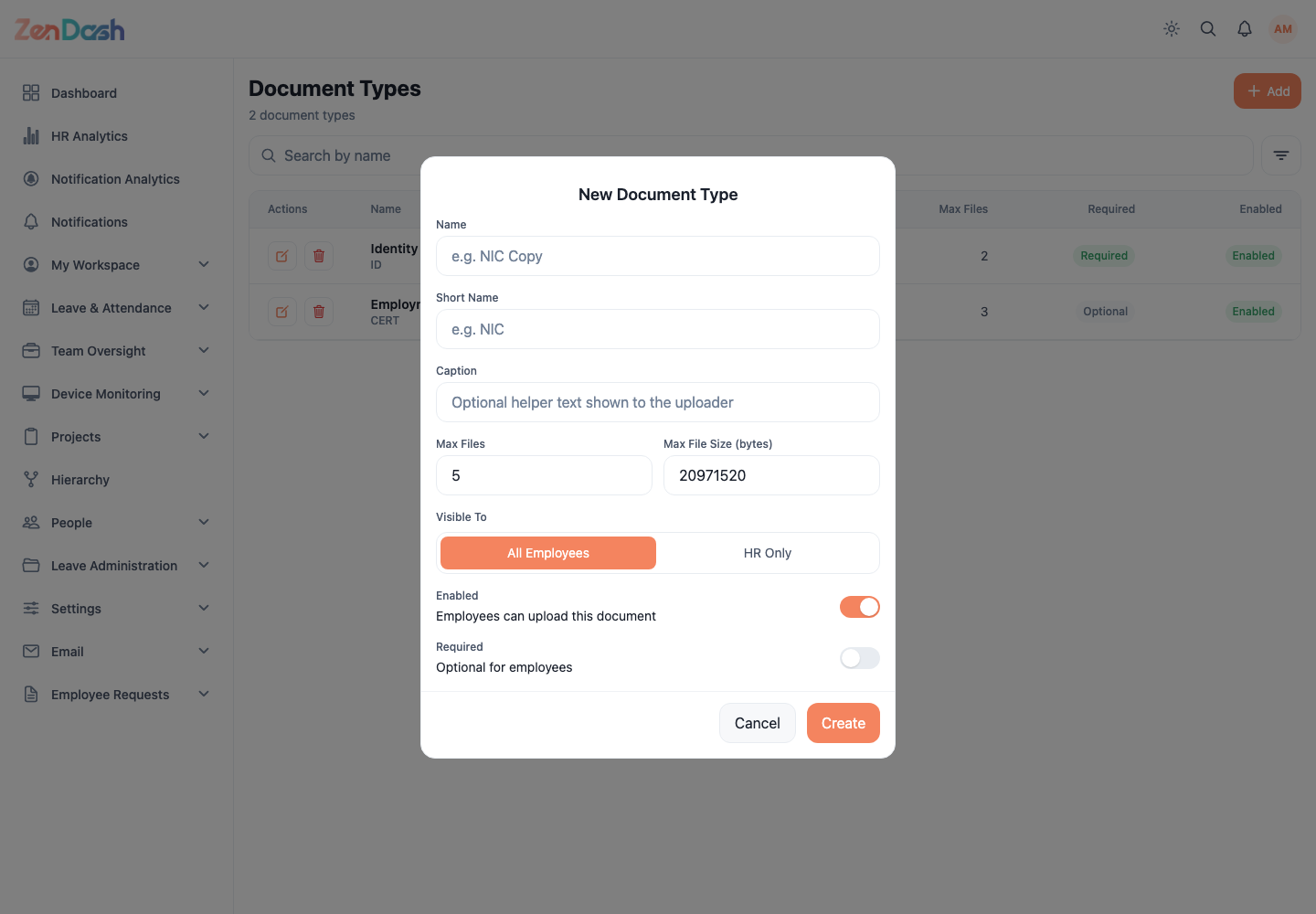
Document types appear in employee document upload and review flows. Check existing usage before deleting one.
Issuable Items & Units
Open Issuable Items & Units. Use the Units and Items segments.
A clearance unit groups responsibility, such as IT. Select Add unit to define its name, description, and active status. Select Add item to define an asset, associate its clearance unit, choose whether serial tracking is required, and set its status.
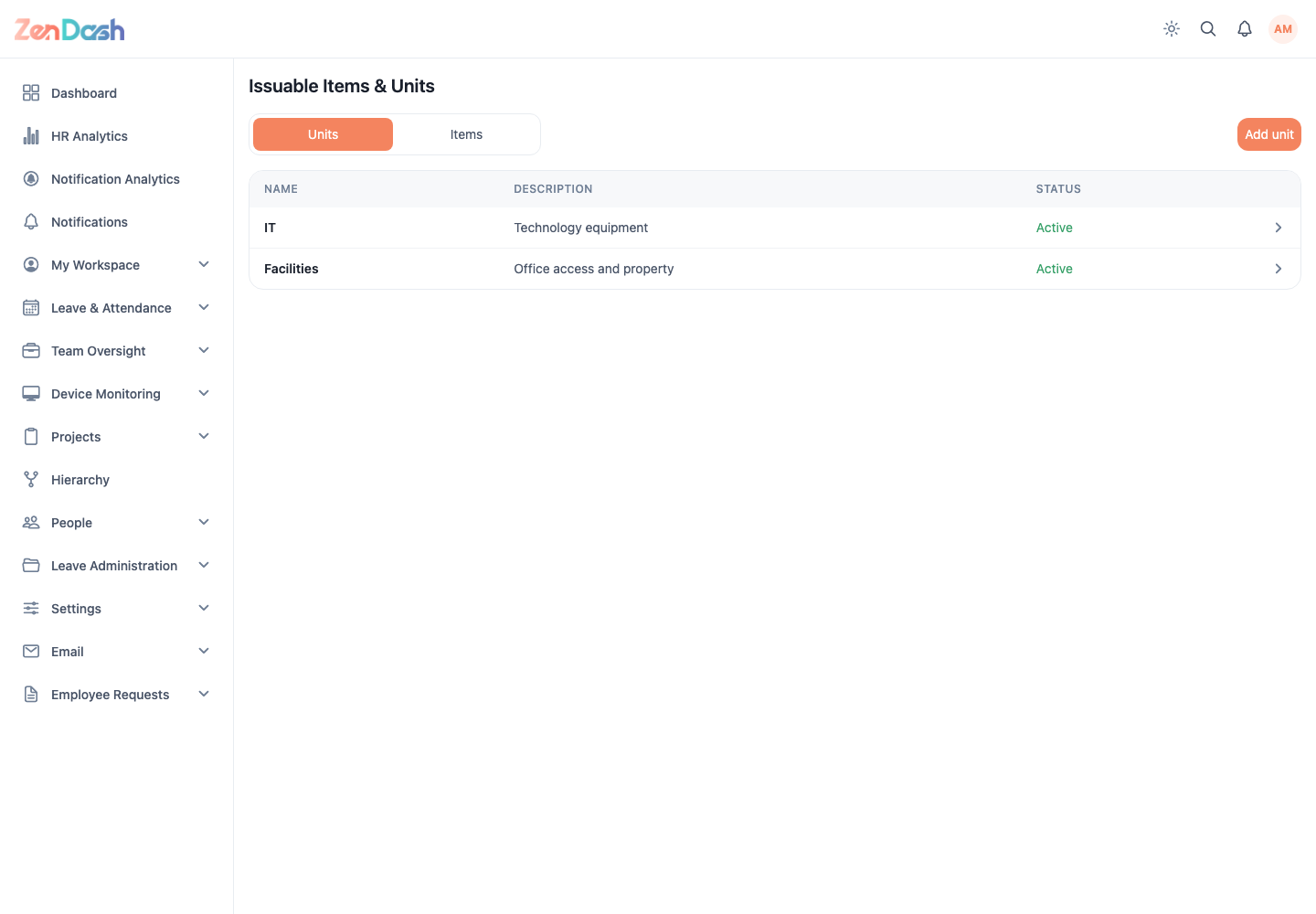
Items can be issued from onboarding tasks or an employee's Issued Items tab. Serial-tracked items request a serial value when issued; issued records can later be marked returned or removed when permitted.